Kyo Will Guide You Through Setup
Follow the on-screen steps to pick your week formats, add classes, and configure notification settings.
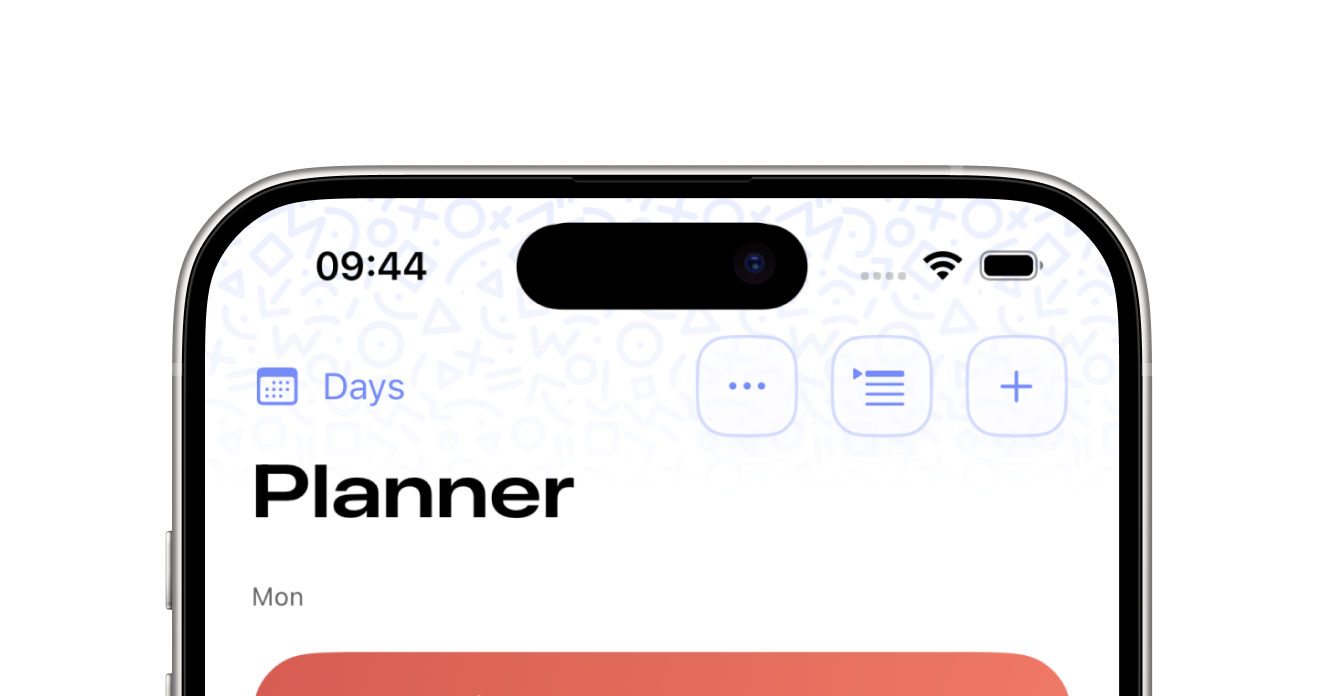
Once finished with setup, tap the plus icon in the top right to add a new entry to your planner.
You can select a class, add a room, select the teacher and enter the time your class starts, and ends.
Kyo will automatically learn your schedule and enter times for you over time.